A Dreambox can be a practical choice if you want a dedicated receiver for television and internet-based streaming. The device is flexible, but getting a reliable setup depends on more than simply installing software and entering subscription details.
Your Dreambox model, network connection, software environment and subscription all need to work together.
This guide explains how Dreambox IPTV works, what you need before getting started, how to choose a suitable subscription and what to check when something is not working as expected.
What Is a Dreambox?
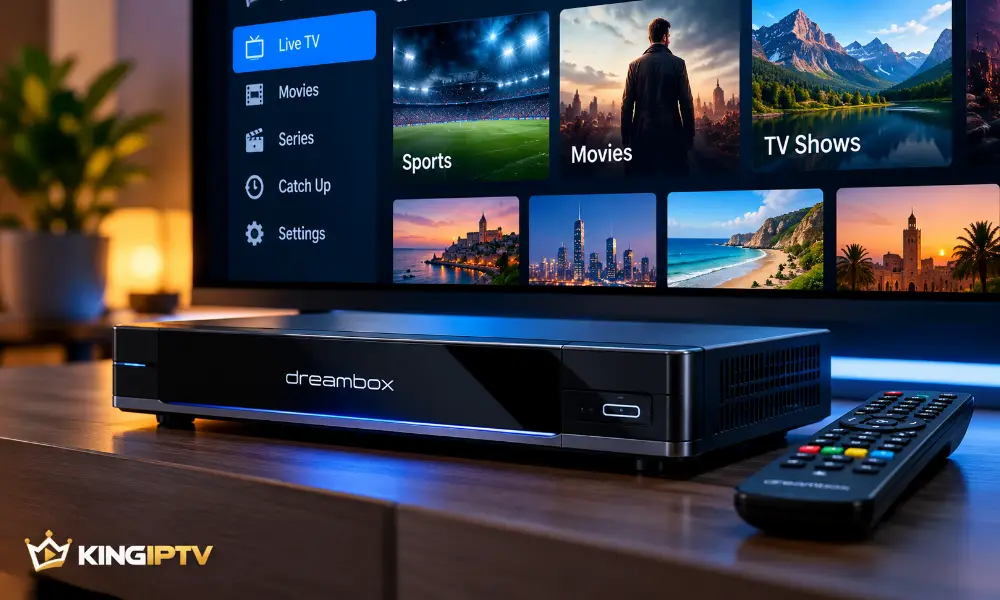
A Dreambox is a digital television receiver that combines traditional receiver functions with network-based features.
Depending on the model and installed software, a Dreambox can connect to your home network, run compatible applications and handle different forms of digital television.
One reason these receivers remain popular is flexibility. Users can choose from different hardware models and software environments rather than relying entirely on the built-in system of a smart TV.
However, not every Dreambox offers the same capabilities.
Newer models generally provide stronger hardware and broader support for current software, while older receivers may have limitations that affect performance or compatibility.
Why Use a Dreambox for IPTV?
A Dreambox can bring several television functions together on one device.
For IPTV users, the main advantages are usually flexibility, network connectivity and the ability to configure the receiver around a preferred setup.
Flexible Software
Compatible Dreambox models can support different software environments and extensions.
This gives experienced users more control over how the receiver is configured.
Network Connectivity
Depending on the model, a Dreambox can connect through Ethernet and, in some configurations, Wi-Fi.
A reliable network connection is particularly important for internet streaming because video data needs to arrive continuously.
One Central TV Device
If you already use a Dreambox for other television functions, adding a compatible IPTV service can reduce the need to switch constantly between separate devices.
That does not mean a Dreambox is automatically the best choice for everyone. Someone who wants a very simple app-based experience may prefer a dedicated streaming device instead.
What Do You Need for Dreambox IPTV?
Before configuring IPTV on a Dreambox, check four things.
1. A Compatible Dreambox
Start with the exact model.
Different Dreambox generations have different processors, memory, network capabilities and software support.
Do not assume that instructions written for one model will work exactly the same way on another.
2. A Stable Internet Connection
Streaming performance depends heavily on connection stability.
A fast connection can still produce interruptions when Wi-Fi is weak or the network is congested.
If your Dreambox has an Ethernet port and the router is nearby, a wired connection is often worth testing.
3. Compatible Software
The receiver needs a software environment capable of working with your intended streaming setup.
Use software intended for your particular device and obtain updates or extensions from sources you trust.
Avoid downloading unknown files simply because they promise additional functionality.
4. An Active IPTV Subscription
You also need an active service that is compatible with your setup.
Before paying for a long subscription, confirm that your receiver and preferred configuration are supported.
If you are considering KING IPTV, you can compare the available subscription options before choosing a plan.
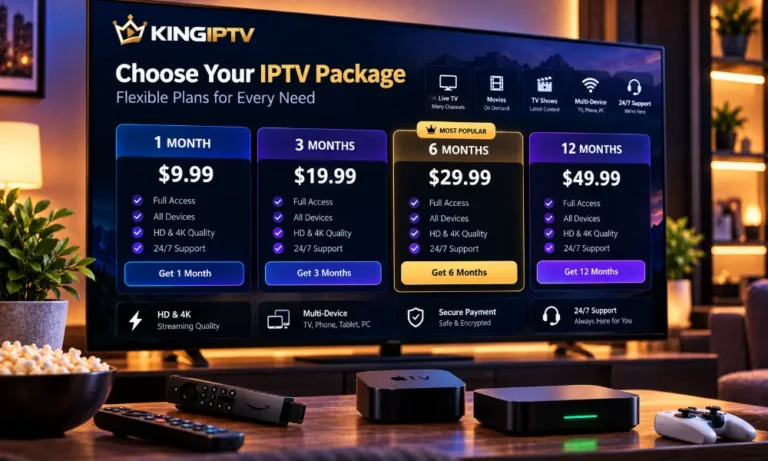
Dreambox Subscription Options
The right subscription length depends on how confident you are in your setup and how long you expect to use the service.
Short-Term Plans
A shorter subscription can be useful when you are still evaluating your receiver, internet connection or overall setup.
It reduces the commitment while you learn how everything performs together.
Longer Subscriptions
A longer plan can make more sense once you already know that the service works well with your equipment and network.
Before choosing one, compare the total price rather than looking only at the monthly equivalent.
Trial Access
Where a trial is available, it can help you check basic compatibility before purchasing a longer subscription.
Testing is particularly useful with older receivers because their software and hardware capabilities can vary considerably.
How to Choose a Dreambox IPTV Subscription
Do not choose a subscription based only on price.
Consider the complete setup.
Check Device Compatibility
Confirm that your Dreambox model can work with the required configuration.
This should happen before payment, not afterwards.
Check Connection Requirements
Think about how the receiver will connect to your network.
If it is far from the router and depends on weak Wi-Fi, improving the network may be more important than changing the subscription.
Consider Subscription Length
Choose a period that matches how certain you are about the setup.
There is little benefit in committing to a long plan before confirming that your equipment works as expected.
Check Support
Technical support can be useful when you are configuring a receiver that offers more options than a typical plug-and-play streaming device.
Clear setup information can save considerable time.
For KING IPTV service and compatibility questions, see the FAQ section.
How to Set Up IPTV on a Dreambox
The exact installation process depends on your Dreambox model and software environment.
Because menus and available features vary, there is no single set of button-by-button instructions that applies to every receiver.
A safer setup process is to work through the following stages.
Step 1: Prepare the Dreambox
Connect the receiver to the television and make sure the basic Dreambox system is working normally.
Check for legitimate system updates appropriate for your model.
If an update is installed, restart the receiver before continuing.
Step 2: Connect It to the Internet
Use Ethernet where practical or connect through a supported wireless setup.
Test the connection before configuring the streaming service.
If ordinary internet features do not work reliably, solve that problem first.
Step 3: Configure a Compatible Player or Integration
Use an IPTV-compatible option designed for your particular Dreambox environment.
Follow the instructions provided for that environment rather than copying settings intended for unrelated hardware.
Keep private subscription credentials secure and do not publish them in screenshots or public forums.
Step 4: Restart After Configuration
Once the required configuration has been completed, restart the receiver if the software requires it.
This gives the system a clean start with the new configuration.
Step 5: Test the Setup
Test normal playback before changing advanced settings.
If everything works, there is usually no reason to modify DNS, router security or other network settings.
Changing unnecessary settings can create new problems.
Can You Combine Dreambox and IPTV?
Yes, a compatible Dreambox can form part of an IPTV setup.
The important word is compatible.
The receiver must support the software or integration you intend to use, and the network connection must be suitable for continuous streaming.
The experience can also differ between older and newer Dreambox models.
If you are purchasing hardware specifically for IPTV rather than using a receiver you already own, read our IPTV box buying guide before deciding.
Common Dreambox IPTV Problems
Even a correctly configured receiver can occasionally run into problems.
Most issues fall into a few common categories.
Buffering or Interrupted Playback
Start by checking the internet connection.
If possible, compare Wi-Fi with Ethernet. Also check whether other devices on the network are downloading large files or using significant bandwidth.
Restarting both the router and Dreambox can clear temporary connection problems.
For a broader diagnostic process, see our IPTV troubleshooting guide.
The Service Does Not Load
First confirm that the Dreambox itself still has internet access.
Then check whether the subscription is active and whether the account information has been entered correctly.
Do not immediately reinstall the entire receiver when a simpler account or connection problem could be responsible.
The Receiver Is Slow
Limited storage, old hardware or unnecessary background software can reduce performance.
Restart the receiver and remove software you no longer need where appropriate.
If the device is very old, its hardware may simply be the limiting factor.
Problems After a Software Update
An update can occasionally affect compatibility with existing extensions or configurations.
Check whether the software you rely on supports the updated environment before making further changes.
Use official or trusted software sources rather than downloading random replacement files.
How to Avoid Dreambox IPTV Problems
A few habits can make the setup easier to maintain.
Keep the System Updated
Use legitimate updates that are intended for your exact receiver.
Updates can improve stability and address security or compatibility issues.
Do Not Install Unnecessary Software
Adding numerous extensions can make troubleshooting harder.
Install only what your setup actually requires.
Use a Reliable Network
A stable network is one of the most important parts of streaming.
Where possible, keep the receiver close to the router or use Ethernet.
Change One Setting at a Time
If a problem appears, avoid changing five different settings at once.
Make one change, test again and record whether it helped.
That makes it much easier to identify the real cause.
When Is a Dreambox the Right Choice?
A Dreambox is worth considering when you want a configurable receiver and are comfortable with a setup that may require more attention than a basic streaming box.
It can be particularly useful when you already own compatible Dreambox hardware.
A simpler streaming device may be a better fit if your priority is quick installation and a straightforward app-based interface.
The correct choice depends on your existing equipment, technical preferences and how you plan to watch.
Dreambox vs a Standard IPTV Box
The two categories can overlap, but they are not always aimed at exactly the same user.
A Dreambox is traditionally a configurable digital receiver with a broader receiver-focused environment.
A standard streaming box is often designed around applications and a simpler television interface.
If you mainly want an easy streaming experience, a dedicated box may be more convenient.
If you value receiver functionality and deeper configuration, a Dreambox may offer more flexibility.
Our IPTV box guide explains the factors worth comparing before purchasing new hardware.
Frequently Asked Questions
Do I need a special Dreambox for IPTV?
You need a Dreambox that is compatible with the software and configuration required by your service. Compatibility varies between models, so check your exact receiver before subscribing.
Can an older Dreambox work with IPTV?
Some older receivers may still support compatible setups, but performance and software availability can be more limited than on newer hardware.
Is Ethernet better than Wi-Fi for a Dreambox?
Ethernet can provide a more consistent connection when the receiver is close enough to the router. Good Wi-Fi can also work well, but performance depends on signal strength, interference and network congestion.
Why does IPTV buffer on my Dreambox?
Buffering can be related to weak Wi-Fi, network congestion, device performance or connectivity outside your home. Test the network first before changing advanced receiver settings.
Should I test the service before buying a long subscription?
Testing compatibility first can be useful, particularly if you are using older hardware or an unfamiliar configuration.
Where can I compare KING IPTV plans?
You can view the current options in the KING IPTV pricing section.
Final Thoughts
Dreambox IPTV works best when the receiver, software, internet connection and subscription are treated as one complete setup.
Check compatibility before purchasing, use a stable network and keep the configuration as simple as possible. When something goes wrong, troubleshoot one component at a time rather than immediately rebuilding the entire receiver.
If you are exploring a subscription, start from the KING IPTV home page for the main service information, then compare available plans or review the frequently asked questions.