An IPTV box can add modern streaming features to a television, but choosing one based on price or marketing claims alone is rarely a good idea.
The right device depends on software support, performance, connectivity and how simple you want the experience to be.
What Is an IPTV Box?
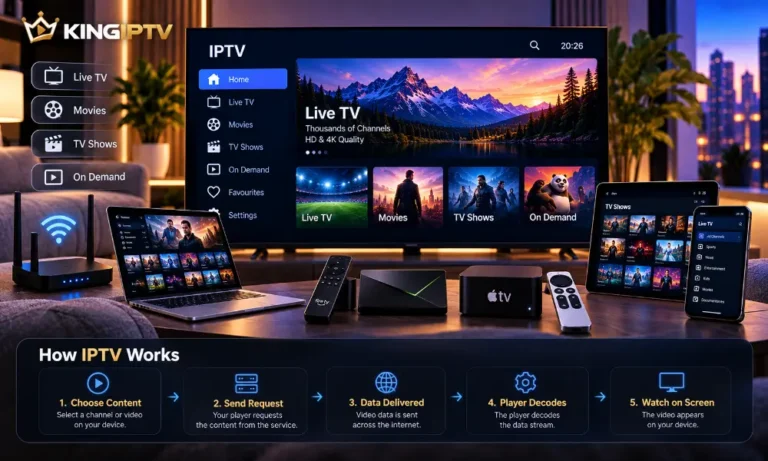
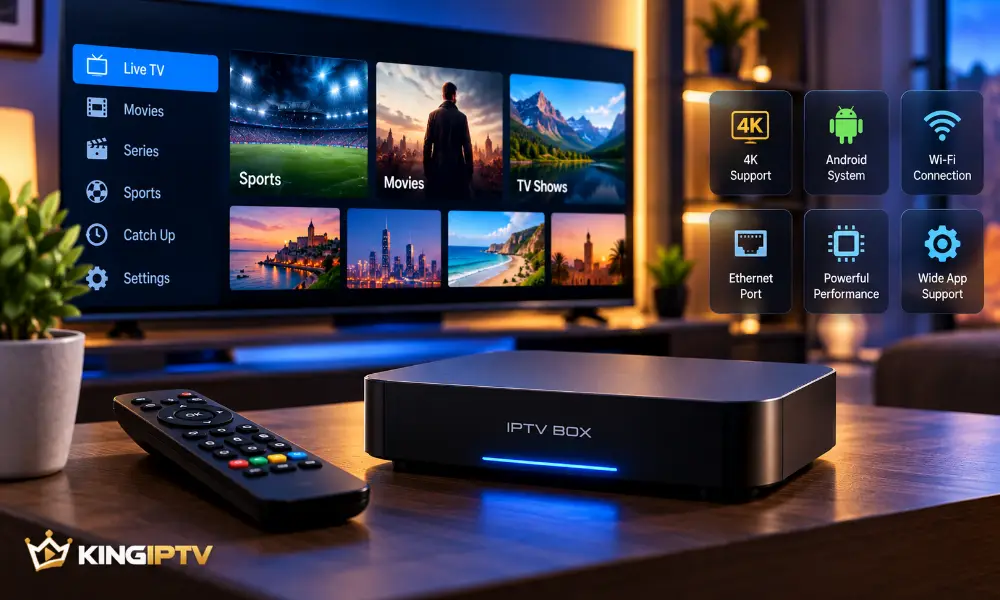
An IPTV box is a network-connected device that plugs into a television and runs compatible streaming software.
Most connect through HDMI and use Ethernet, Wi-Fi or both for internet access.
Do You Need One?
Not necessarily.
If your smart TV already runs the applications you need smoothly, another device may provide little benefit.
A separate box becomes more useful when:
- the television interface is slow;
- compatible applications are unavailable;
- software support has ended;
- you want stronger networking;
- you prefer a dedicated streaming interface.
Types of IPTV Boxes
Android-Based Devices
These devices generally focus on applications and an easy television interface.
Quality varies considerably, so software support and manufacturer reputation matter.
Linux-Based Receivers
Linux receivers can offer deeper configuration.
They may appeal to experienced users but can require more setup.
Our Dreambox IPTV guide explains one receiver-based approach.
Hybrid Devices
Hybrid devices combine internet applications with other television or media functions.
They can be useful when you genuinely need those additional features.
Features That Matter
Software Support
Long-term updates are more valuable than impressive specifications on hardware that is quickly abandoned.
Processor and Memory
Reasonable processing power helps applications and menus remain responsive.
Storage
Applications, updates and temporary files consume storage.
Leave enough free space for the operating system to work comfortably.
Ethernet
Ethernet can provide a consistent connection when your router is nearby.
Wi-Fi
If a cable is impractical, strong modern Wi-Fi becomes more important.
Video Support
Match the device capabilities to your television.
Paying extra for specifications your display cannot use may provide little benefit.
Cheap vs Premium Boxes
A budget device may be perfectly adequate for basic streaming.
A premium model may provide faster navigation, better networking and longer software support.
The best choice is the device that meets your requirements reliably.
What About 4K?
A 4K-capable box is only one part of the chain.
The television, application, source video and internet connection also need to support the desired quality.
Security Matters
A streaming box is an internet-connected computer.
Keep its operating system updated and use trusted application sources.
Avoid hardware or software that encourages you to disable security protections.
For general connected-device security advice, see the UK’s :contentReference[oaicite:1]{index=1}.
Common Buying Mistakes
Choosing Only by Price
Extremely cheap hardware may have poor software support or unreliable networking.
Ignoring Updates
Good hardware becomes less useful if the software is abandoned.
Assuming Every App Is Compatible
Application availability differs between operating systems and devices.
Buying Features You Do Not Need
Simple, supported hardware can be a better purchase than a complex device full of unused features.
Setting Up a New Box
Complete the manufacturer’s normal setup first.
Connect to your network, install legitimate updates and add only the applications you need from trusted sources.
Test normal streaming before changing advanced settings.
If problems appear, use our IPTV troubleshooting guide.
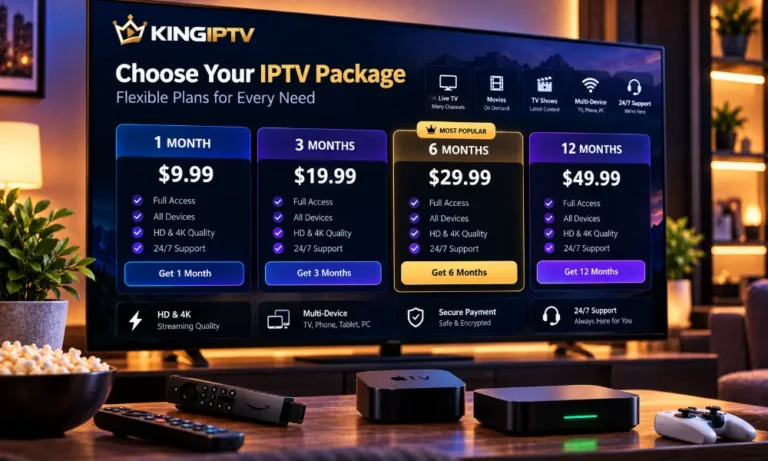
Choosing a Subscription
Confirm that your chosen service supports your device before purchasing.
You can compare KING IPTV plans and check compatibility questions in the FAQ section.
Final Thoughts
Choose an IPTV box based on software support, networking, performance and ease of use.
If your existing hardware already works well, replacing it may not provide a meaningful improvement.
For the main service information, visit KING IPTV.