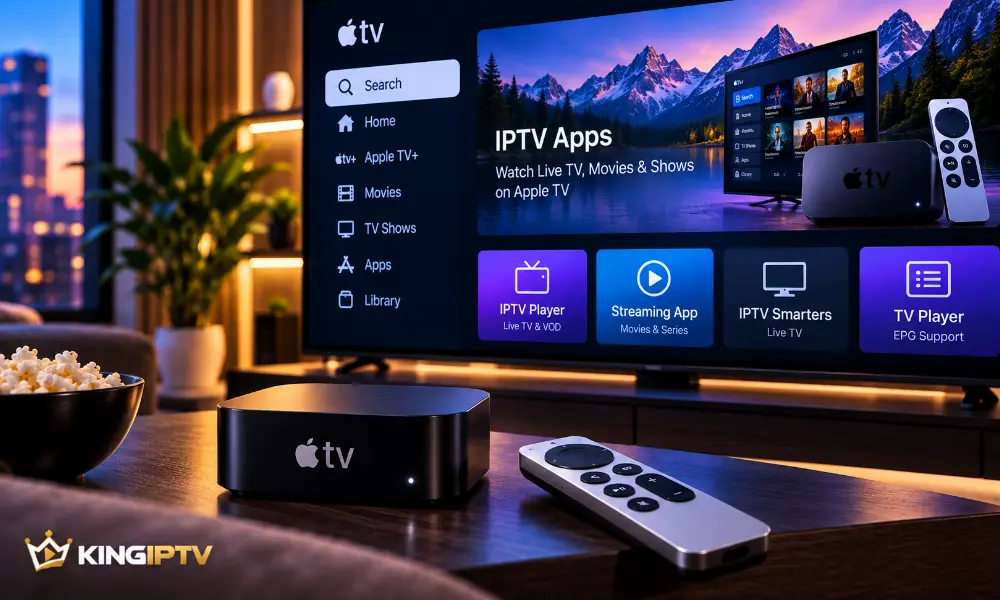
Apple TV provides a polished television interface, but choosing an IPTV player for tvOS requires a little more thought than simply installing the first result you find.
A good player should be compatible with your service, easy to navigate with the remote and actively maintained.
Why Apple TV Is Different
Apple TV runs tvOS.
That means software designed for unrelated platforms cannot simply be installed in the same way.
Use applications legitimately distributed for tvOS and check whether the player supports the configuration required by your service.
What Makes a Good Apple TV IPTV Player?
Native tvOS Support
A player designed for tvOS generally provides a better television interface than software adapted poorly from another platform.
Remote-Friendly Navigation
The interface should be comfortable to use from a sofa without requiring touch-style controls.
Stable Playback
A player should handle normal playback reliably on a supported network.
Programme Guide Support
If your service provides guide information, a compatible player can organise it into a more useful interface.
Favourites
Favourites can make a large library easier to navigate without repeatedly searching.
Active Development
Apps that continue receiving updates are preferable to abandoned software.
How to Choose an App
Check the official App Store listing and developer information.
Read the privacy information and confirm that the app supports your required service configuration.
Do not assume the most expensive app is automatically the best.
The right player is the one that works reliably with your device and service.
Installing an IPTV Player on Apple TV
Open the App Store on Apple TV and locate the legitimate player you intend to use.
Install it normally and open the application.
Then follow the application’s own configuration process using the information provided by your IPTV service.
Do not share private account credentials publicly.
Apple TV Network Optimisation
Ethernet vs Wi-Fi
Where supported by your Apple TV model and home setup, Ethernet can provide a consistent network connection.
Good Wi-Fi can also work well.
Router Placement
Keep the router in a position that provides strong coverage around the television.
Avoid Network Congestion
Large downloads and other high-bandwidth activity can compete with streaming.
Is Apple TV Always the Best IPTV Device?
No device is best for everyone.
Apple TV makes sense when you already use Apple’s ecosystem and value a polished tvOS experience.
Other platforms may offer different applications, hardware prices or configuration options.
For a broader hardware comparison, read our IPTV box buying guide.
Troubleshooting Apple TV IPTV
If playback becomes unstable:
- Check whether other Apple TV apps have internet access.
- Restart the IPTV player.
- Restart Apple TV.
- Restart the router if the connection itself appears unstable.
- Check for tvOS and app updates.
- Verify that the subscription remains active.
For more detail, use our general IPTV troubleshooting guide.
Official Apple documentation for Apple TV and tvOS is available through :contentReference[oaicite:2]{index=2}.
Frequently Asked Questions
Can IPTV work on Apple TV?
Compatible IPTV services can work through supported tvOS applications.
Do I need a separate streaming box?
Apple TV is already a streaming device, so another box is generally unnecessary if your required software is available.
Is Ethernet better than Wi-Fi?
Ethernet can provide greater consistency in some setups, while strong Wi-Fi may perform perfectly well.
Do I need an IPTV subscription as well as the player?
A player and a content service are separate things. The player provides the interface; access to a service depends on your subscription.
Final Thoughts
For Apple TV, prioritise native tvOS support, simple remote navigation, reliable playback and active software maintenance.
If you are checking service compatibility, visit KING IPTV or the FAQ section.